
Getting Started
Get KEEP running in two minutes.
Install, activate your license, and see your full portfolio in one view.
Step 1 · 10 seconds
Install
Tried the demo? Grab the latest version to unlock your license.
Available for Mac, Linux, and Windows.
Step 2 · 30 seconds
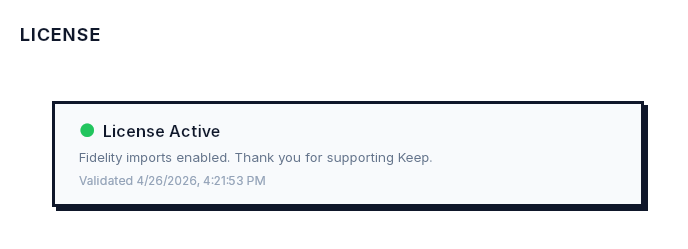
Activate your license
Your license key is in your purchase receipt.
- 1. Open KEEP
- 2. Go to Settings
- 3. Paste your license key
- 4. Click Activate
Step 3 · 2–3 minutes
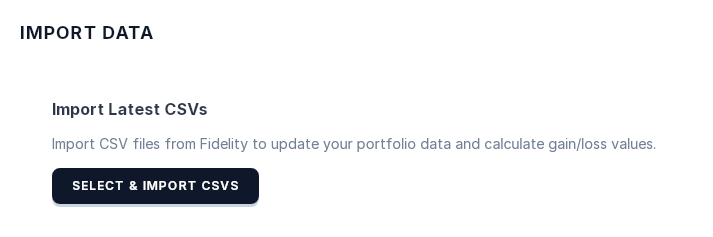
Import CSVs from Fidelity
KEEP walks you through the export. Follow the in-app instructions, then upload.
Step 4 · 5 minutes
Create sleeves and structure to track
Sleeves are how KEEP organizes capital by role. Create a sleeve for each part of your portfolio: core holdings, growth positions, income. Assign your positions. The structure you set here is what KEEP tracks over time.
What KEEP is built around
Ownership over speculation.
KEEP is built for investors who hold. Not for traders chasing signals.
Structure over noise.
Organize capital by role: core, growth, defensive. See what each position is doing.
Long-term compounding.
The portfolio that compounds is the one you understand and hold. KEEP makes that easier.
Still have a question?
Reply to your purchase receipt email. We read every one. Or email me at [email protected]